AI tools are transforming how traders use TradingView by automating time-consuming tasks like pattern recognition, signal generation, and risk management. Instead of manually analyzing charts or calculating risks, AI handles these processes in seconds, helping traders make faster, more consistent decisions.
Key takeaways:
- Manual charting is slow: Drawing trend lines and spotting patterns on TradingView can take hours and still miss key insights.
- Lagging signals are common: Many indicators repaint or fail to provide timely alerts, leading to missed opportunities.
- Risk management is limited: Manual position sizing and static stop-losses often result in errors, especially in volatile markets.
AI tools like StockioAI solve these issues by:
- Automating chart analysis and identifying patterns across multiple timeframes.
- Generating non-repainting trading signals with clear entry/exit points and stop-loss recommendations.
- Providing dynamic risk management tools that adjust to market conditions.
StockioAI integrates directly with TradingView, offering a free plan for basic insights and a premium plan ($29.99/month) for unlimited signals and advanced features. Whether you're trading crypto or stocks, AI tools can save you time and improve your trading accuracy.
Top 4 AI Indicators on TradingView (Tested and Ranked!)
Common Problems TradingView Users Face
TradingView's tools often fall short in addressing key challenges that hinder analysis and impact profits. Many of these issues stem from the reliance on manual processes and static tools, which struggle to keep up with the rapid pace of financial markets. This creates a demand for more adaptive solutions that can support faster and more accurate trading decisions.
Manual Pattern Recognition Takes Too Long
Analyzing charts manually - drawing trend lines or identifying patterns - can be a painstaking process. Each candlestick demands attention, and after hours of analysis, it’s still easy to miss crucial formations. While TradingView offers automated tools, they’re limited in the range of data they can process. Additionally, once plotted, the platform’s drawing tools remain fixed[2]. This means traders must constantly update support and resistance lines as prices and volatility shift.
"The trade-off with automation is that drawing tools can be applied based on your visual assessment, while automated indicators are positioned according to their predefined settings." - TradingView Support[1]
This reliance on static tools and manual updates slows down the process of generating actionable signals.
Slow Signal Generation
Lagging indicators often result in traders entering positions after the market has already moved past the ideal price point. Many community-developed indicators on TradingView come with a significant drawback - "repainting." This means signals that look accurate in real time can change or disappear after the candlestick closes[3]. Adding to the challenge, TradingView’s drawing tools are purely visual and don’t generate automated trading signals[2]. As a result, traders must interpret patterns themselves, leading to inconsistencies in decision-making[5].
These delays make effective risk management even harder.
Weak Risk Assessment Features
In fast-paced markets, manual calculations for position sizes and risk-reward ratios often lead to costly mistakes. TradingView’s standard tools require traders to handle these calculations on their own, which becomes increasingly difficult under pressure. This can result in errors like panic buying during price surges or failing to set proper stop-loss orders. Fixed-percentage methods for stop-losses often fail to account for real-time market volatility, and the platform lacks tools for monitoring correlations across multiple positions. This leaves traders vulnerable to overexposure without realizing it.
| Risk Management Challenge | Impact on Trading |
|---|---|
| Manual Position Sizing | Time-intensive and prone to errors, especially in volatile markets |
| Static Stop-Losses | Fixed price points may trigger unnecessarily, leading to avoidable losses |
| Portfolio Correlation Blindness | Overconcentration in correlated assets can magnify losses during market downturns |
| Delayed Exit Signals | Lagging indicators may result in missed opportunities for timely exits |
These limitations underline the need for smarter, real-time risk management tools that can adapt to changing market conditions.
How AI Tools Improve Trading Performance

AI tools have transformed trading by processing vast amounts of market data in mere seconds. Tasks that once took hours - like drawing trend lines or spotting patterns - are now handled by algorithms that can analyze thousands of price bars simultaneously. This shift from traditional tools to more dynamic systems allows traders to respond to market movements with greater speed and precision, addressing inefficiencies that previously slowed decision-making.
Automated Technical Analysis
AI takes the hassle out of manual chart analysis by instantly identifying patterns, trends, and key price levels across multiple timeframes. Unlike TradingView's static tools, which are limited to scanning recent price bars, AI systems can process much larger datasets without requiring manual updates. This automation streamlines data analysis and uncovers patterns that might go unnoticed with traditional methods.
"AI makes it possible to execute trades with speed and accuracy that exceeds human capabilities." - FXOpen [7]
Before relying on AI-generated strategies, traders should validate them using walk-forward analysis. This approach tests strategies over consecutive time periods, simulating real-world trading conditions [3].
Real-Time Trading Signals
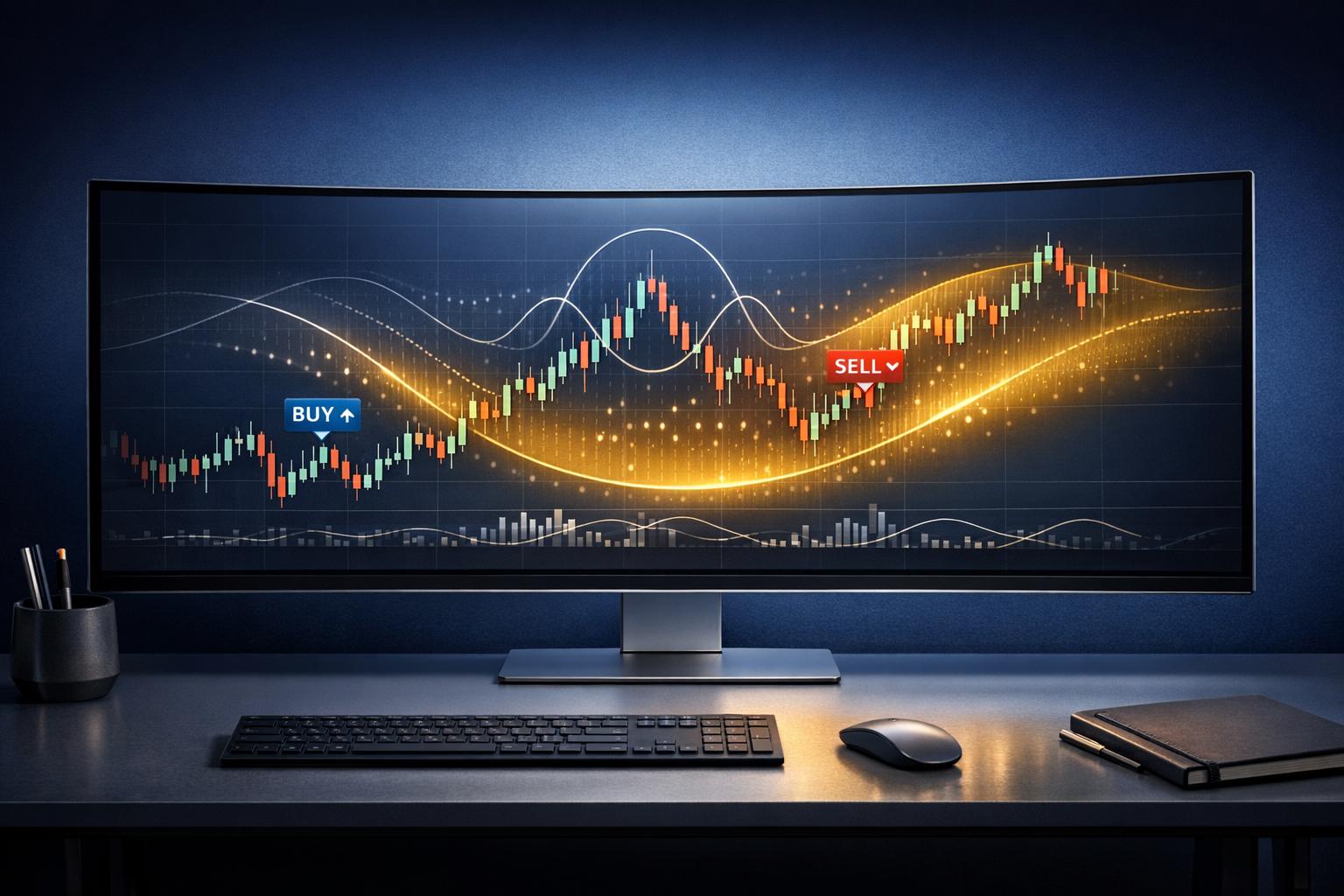
AI-generated signals take automated analysis a step further by addressing the common issue of repainting. Non-repainting signals lock in once a price bar closes, giving traders a reliable record to base their decisions on [3]. For TradingView users, AI alerts can be connected to execution systems via webhooks, eliminating delays [3]. Tools like StockioAI boast accuracy rates of 80–90% [6], offering actionable recommendations - Buy, Sell, or Hold - that adapt to evolving market conditions.
The real strength of AI-generated signals lies in their speed and consistency. Unlike human traders, who may interpret the same chart differently depending on fatigue or emotions, AI applies a consistent analytical approach. However, traders should treat these signals as a supportive tool and always cross-check them against major news or economic developments that algorithms might overlook [8].
Better Risk Management
AI has also improved risk management by introducing dynamic, real-time controls. These tools calculate position sizes and risk–reward ratios on the fly, adjusting to current market volatility. This real-time adaptability helps traders avoid common mistakes made under stress. Many TradingView users are even leveraging AI to generate custom Pine Script code for advanced risk controls, such as automated kill switches and daily loss limits. These features act as protective measures, operating without the emotional biases that can cloud judgment [3].
"StockioAI revolutionized my trading strategy. The AI insights helped me achieve consistent 18% monthly returns." - Jordan Martinez, Quantitative Trader [6]
StockioAI: AI Chart Analysis for TradingView Users
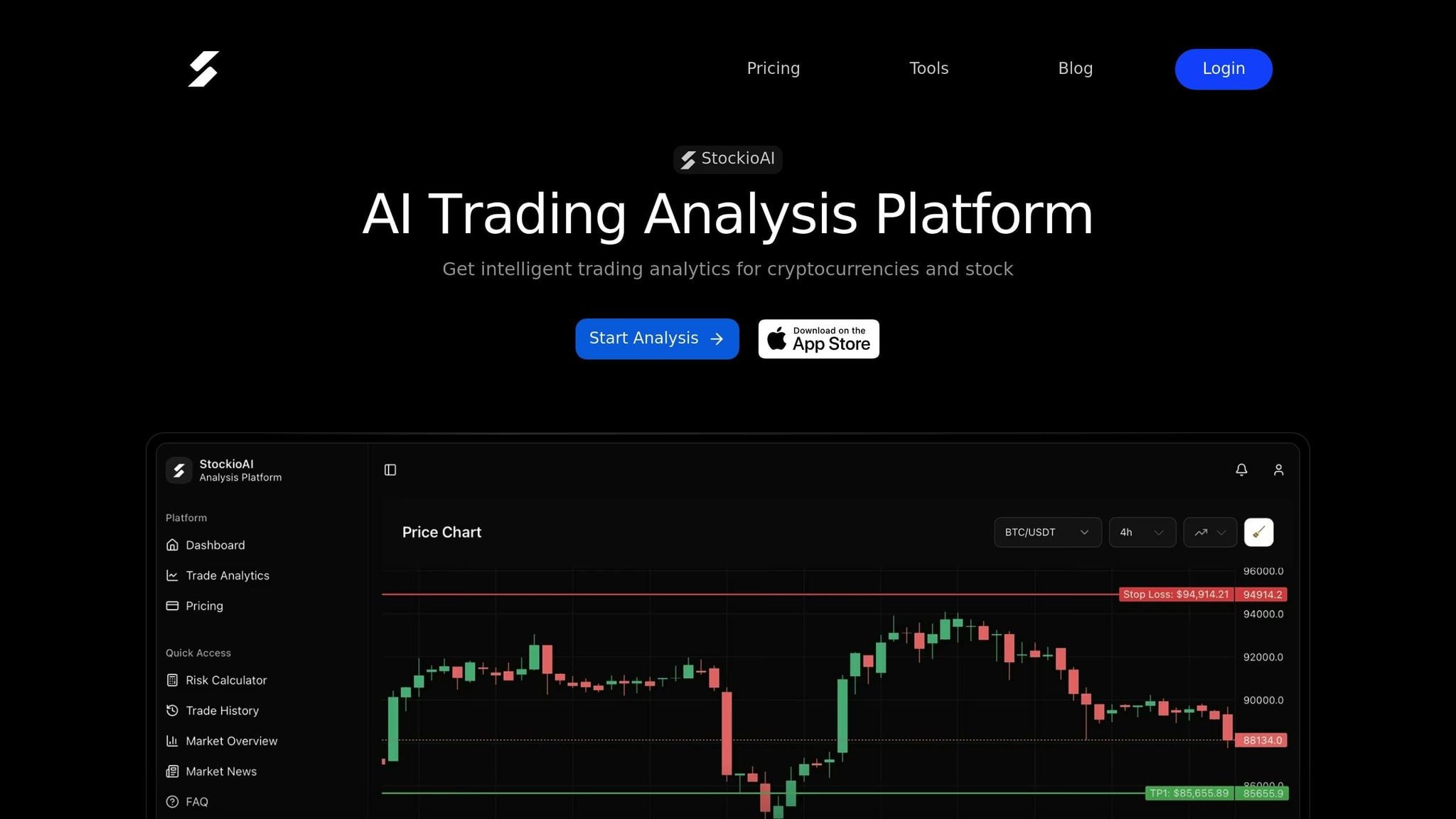
StockioAI seamlessly integrates with TradingView, tackling some of the platform's limitations like slow signal generation and the need for manual pattern recognition. By automating these critical tasks, StockioAI processes real-time market data - analyzing more than 60 data points every second - to provide actionable insights that save traders hours of manual work. This means you can stick with your familiar TradingView workspace while gaining access to automated pattern detection and dynamic risk calculations. This integration adds a new layer of efficiency and precision to TradingView.
What StockioAI Offers
StockioAI provides traders with AI-driven trading signals, real-time market analysis, dynamic risk management tools, and multi-timeframe pattern recognition. Each signal includes clearly defined entry and exit points, stop-loss suggestions, and a confidence score that reflects current market conditions. The platform is designed to deliver high accuracy, helping traders safeguard their capital [6].
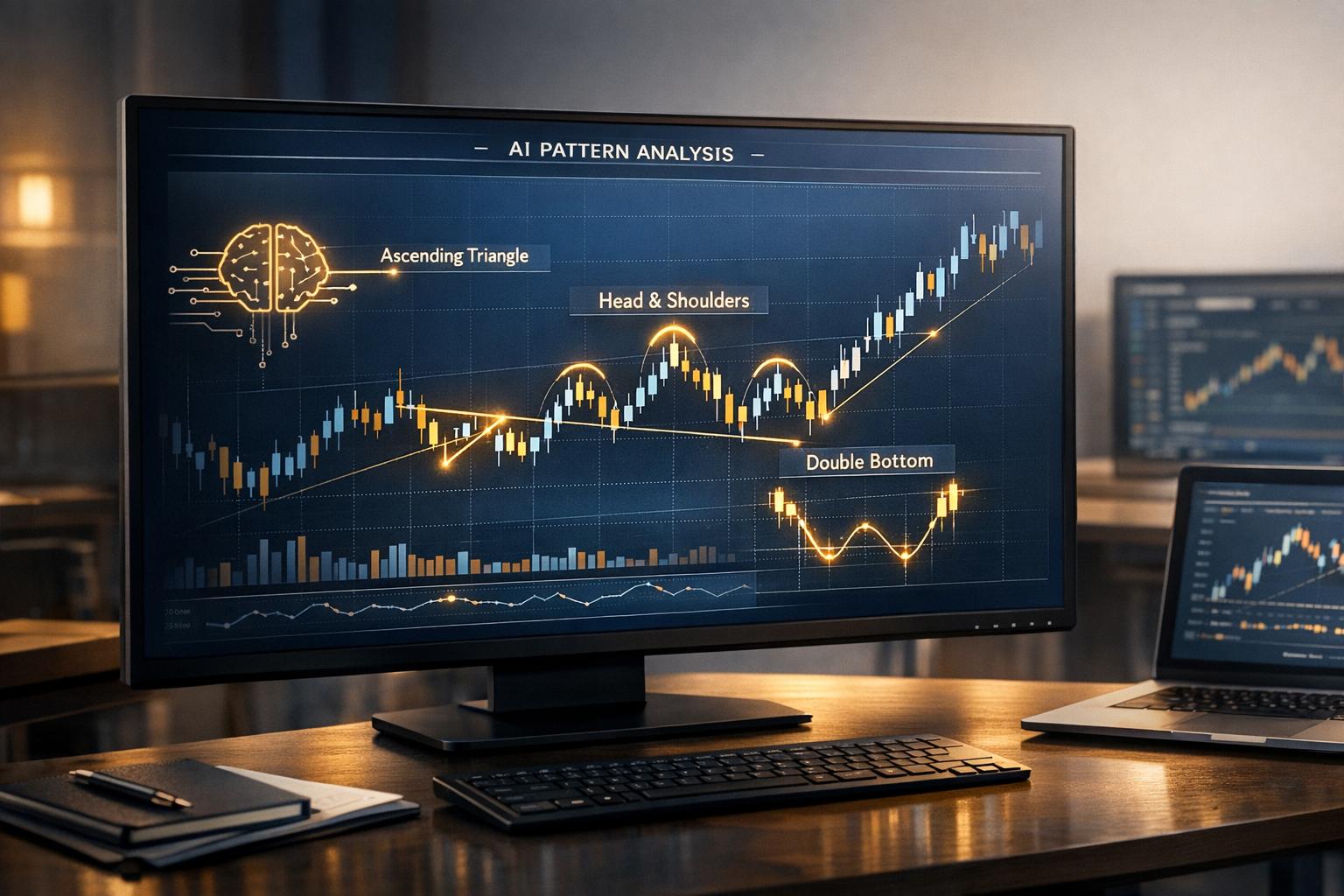
The system also identifies over 10 different pattern types and classifies market conditions - whether the market is trending, ranging, volatile, or quiet - enabling traders to adapt their strategies accordingly.
Two subscription tiers are available:
- Free Plan: Includes 5 analyses, basic insights, and standard indicators.
- Premium Access: Costs $29.99/month or $9.99/week. Offers unlimited signals, automated crypto analysis every 4 hours (covering BTC, ETH, SOL, XRP), and daily stock analysis for major U.S. tech stocks like AAPL, META, GOOGL, TSLA, NVDA, and AMZN.
How TradingView Users Benefit
For TradingView users, StockioAI enhances speed and consistency by integrating automated analysis directly into their charts. Instead of manually marking support and resistance zones or debating pattern formations, users receive AI-generated levels and technical indicators overlaid onto their TradingView workspace [9]. With the ability to analyze hundreds of asset pairs across multiple timeframes, StockioAI allows traders to shift their focus to execution rather than analysis.
How to Use StockioAI with TradingView
Creating Your StockioAI Account
Getting started with StockioAI is simple. Head over to the StockioAI website and click on either "Get Started Free" or "Try Dashboard Free" - no credit card needed for the basic plan. The Free plan includes 5 AI analyses, giving you a chance to test signal accuracy before committing to an upgrade.
Once you've explored the Free plan, you can stick with it or opt for Premium Access. Premium options are available at $29.99/month or $9.99/week, unlocking unlimited AI insights. These include automated crypto analysis every 4 hours for BTC, ETH, SOL, and XRP, plus daily stock analysis for major U.S. tech stocks like AAPL, META, GOOGL, TSLA, NVDA, and AMZN. After setting up your account, you can seamlessly integrate StockioAI with your TradingView charts to enhance your trading experience.
Analyzing TradingView Charts with StockioAI
Once your StockioAI account is active, integrating it with TradingView is a breeze. StockioAI overlays your charts with AI-driven levels, giving you a clear view of market conditions in real time. It processes data quickly, providing actionable insights that help you make informed decisions.
The platform automatically highlights key zones, saving you time and effort. It also identifies different market conditions - whether the market is trending, ranging, volatile, or quiet - so you can adjust your trading strategy accordingly.
Using AI Features to Trade Better
StockioAI's advanced features, like its risk calculator and trading signals, can significantly refine your trading approach. Each signal comes with clearly defined entry and exit points, stop-loss recommendations, and a confidence score based on current market trends. You can use the built-in risk calculator to fine-tune your position size and pair AI signals with your TradingView indicators for smarter trade execution.
Focus on "Strong Buy/Sell" signals that are backed by multiple algorithms. Use these signals as a confirmation tool by ensuring short-term indicators align with higher timeframes for better accuracy. Additionally, AI-generated "Reversal Warnings" can help you dynamically tighten stop-losses or scale out of positions, offering more flexibility than static exit points [4].
"StockioAI revolutionized my trading strategy. The AI insights helped me achieve consistent 18% monthly returns." - Jordan Martinez, Quantitative Trader [6]
Conclusion
TradingView is a powerful charting platform, but it falls short when it comes to real-time AI analysis - leaving traders to grapple with the challenges of manual work. Tasks like identifying patterns, generating signals, and managing risk can be slow and prone to human error, especially in markets that can shift in milliseconds. This is where AI tools like StockioAI step in, offering an automated solution with signal accuracy rates between 80–90%.
By automating technical analysis, AI significantly changes the way you approach trading. Instead of being limited to analyzing a handful of charts and dealing with emotional decision-making, AI works around the clock. It detects patterns instantly across multiple timeframes, provides clear entry and exit points, and adapts risk management strategies to evolving market conditions - all without the fatigue or bias that comes with manual methods.
If you're considering adding AI to your workflow, StockioAI makes it easy to get started. The Free plan allows you to test five AI analyses and see how the signals integrate with your TradingView charts. For more advanced features, the Premium Access plan, priced at $29.99/month, offers unlimited insights, automated crypto analysis every four hours, and daily stock analysis for major U.S. tech companies. You can also use multi-timeframe filters to focus on high-confidence signals and combine AI-detected zones with your favorite indicators for more strategic execution.
Incorporating AI into your TradingView process doesn't replace your expertise - it enhances it. You'll gain the speed, accuracy, and discipline needed to keep up with fast-moving markets, all while staying in control of your trading decisions.
FAQs
How does StockioAI help traders manage risk more effectively?
StockioAI equips traders with powerful AI-driven tools that process more than 60 real-time market indicators. These include technical patterns, volume trends, support and resistance levels, and even insights from social media sentiment. The platform translates this data into precise buy, sell, and hold signals, offering recommended entry points, stop-loss levels, profit targets, and confidence scores. With these actionable insights, traders can make smarter, more objective decisions while minimizing emotional biases and potential losses.
On top of that, StockioAI offers professional-grade risk management features, such as dynamic stop-loss calculators and position sizing tools that adapt to market volatility. By continuously monitoring market conditions, institutional flows, and large-scale trades, the platform allows traders to adjust their strategies in real time. This helps safeguard portfolios during unexpected market shifts. Altogether, StockioAI provides a well-rounded solution for managing risk and enhancing trading performance.
What are the advantages of using AI-generated trading signals instead of manual analysis?
AI-generated trading signals bring some clear benefits that stand out compared to manual analysis. First, these tools can sift through massive amounts of market data in an instant. They analyze everything from technical indicators and chart patterns to trading volume, sentiment, and even trends on social media. For a human, this level of analysis would take hours, if not days, and could still miss key insights. AI, on the other hand, can deliver buy, sell, or hold signals with reported precision rates of 80-90%, giving traders the ability to act quickly in volatile markets.
Second, AI removes the emotional element from trading. Unlike humans, AI doesn't get tired, second-guess decisions, or let fear and greed cloud its judgment. This consistency ensures objective performance. Plus, traders can automate their strategies, set flexible stop-loss and take-profit levels, and even test their ideas through backtesting - allowing them to refine their plans before risking real money. By delivering faster, data-driven insights and reducing human error, AI tools make trading not only more efficient but also smarter.
How can I use StockioAI with my TradingView charts?
TradingView users can take their charting to the next level by incorporating AI-powered tools from StockioAI into their trading routine. All you need to do is log in to your StockioAI account through its web-based platform to unlock features like real-time trading signals, chart pattern recognition, and risk management tools. While TradingView and StockioAI don’t have a direct integration, you can still bring them together by importing chart data or images into StockioAI for deeper analysis.
For even smoother functionality, traders can use third-party tools or APIs to sync data, allowing AI-driven buy, sell, and hold signals to work alongside TradingView’s advanced charting capabilities. This combination of TradingView’s visual tools and StockioAI’s real-time insights can help you make smarter, faster trading decisions.